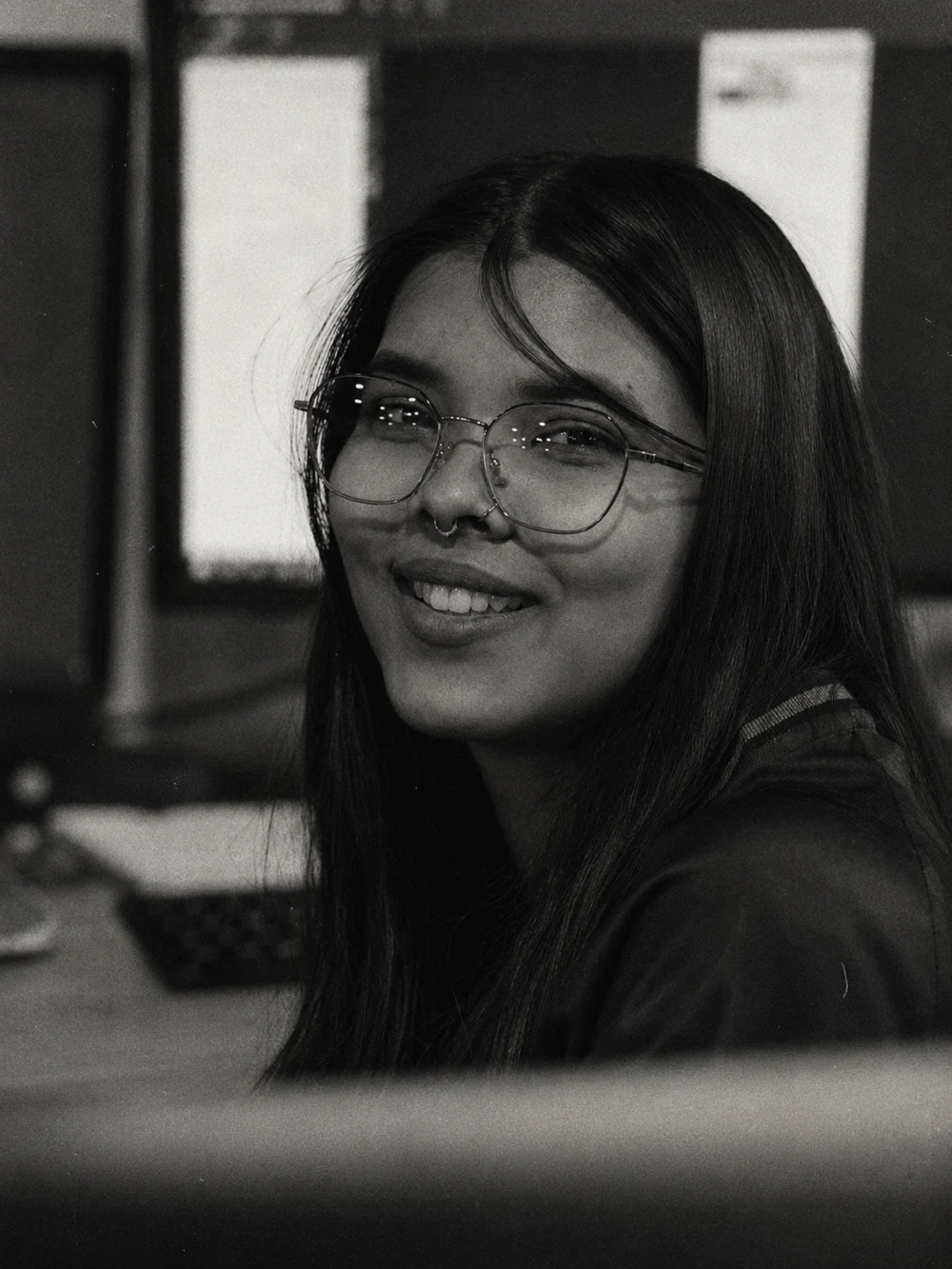
Hi, I’m Anjali.

I’ve spent 3 years at Novel Office in Bengaluru turning messy workflows into tools people trust: an AI knowledge assistant, a workspace website and a room booking system. I like the part where a tangled flow suddenly feels obvious.

Anjali Pramanik

How I got here

In the final year of my BCA I built an app from scratch, and that is where I was introduced to user flows and structuring information (IA). Even as a developer, that was the part I found most interesting, so I taught myself the rest through lots of tutorials and from my professors. At Novel Office I started by restructuring the company website using Clarity and GA4 heatmaps, then moved into internal tools like Lumi and the meeting room booking system. Alongside work I make A Designer’s Thoughts, a LinkedIn series that breaks down one product idea per episode.

What I care about

Clarity over cleverness

Good design doesn’t need to make people stop and admire the interface. I care about making it obvious, so users can understand and move forward without having to think too hard.

Systems, not just screens

I like thinking beyond individual screens, information architecture, workflows, roles, relationships and reusable patterns are where the interesting problems begin.

Make complexity feel manageable

Some products are complicated because the problem itself is complicated. I don’t try to remove that complexity. I try to give people the right information, at the right moment, in the right shape.

My design process

  1. Understand

    Talk to the people who will use it: interviews, surveys, heatmaps, competitor walkthroughs. Write down what we’re actually solving.

  2. Map

    Information architecture and user flows before any screen, including the unhappy paths: errors, empty states, “no answer”.

  3. Design

    Low-fi first, then UI on a shared design system so devs can build it without guessing.

  4. Ship and check

    Sit with devs in sprints, hand off clean specs, then look at the data (Clarity, GA4, feedback) and fix what it says.

Tools I use

Design

  • Figma
  • FigJam
  • Framer
  • Affinity

Research and data

  • Microsoft Clarity
  • Google Analytics (GA4)

AI-assisted design

  • Figma AI
  • Claude
  • Relume AI
  • UX Pilot
  • OpenDesign

Thinking and exploration

  • Miro
  • ChatGPT
  • Claude

Designing with AI, not handing design over to AI.

AI has become part of how I explore ideas, from structuring messy content and generating early directions to challenging assumptions and getting through the first few iterations faster.

I use AI as a thinking partner, accelerator and sometimes a very patient rubber duck.

But the important questions still belong to the designer:

The tool changes.
The questions don’t.

  1. Why does this exist?
  2. Who is it for?
  3. What are they trying to do?
  4. What could go wrong?

Outside work

The things that keep me curious, and away from my screen.

What I’m looking for

A product designer role on a team that ships often and talks to users. Bengaluru (hybrid) or remote. I’m happiest on AI products, internal tools and anything with a gnarly workflow.

Say hello

Let’s build something together.

Open to product designer roles in Bengaluru (hybrid) or remote. Email is the fastest way to reach me.